
GitLens 19 & The Reimagined Commit Graph: How AI Is Shifting Git from History Viewing to Collaborative Agent Workbenches
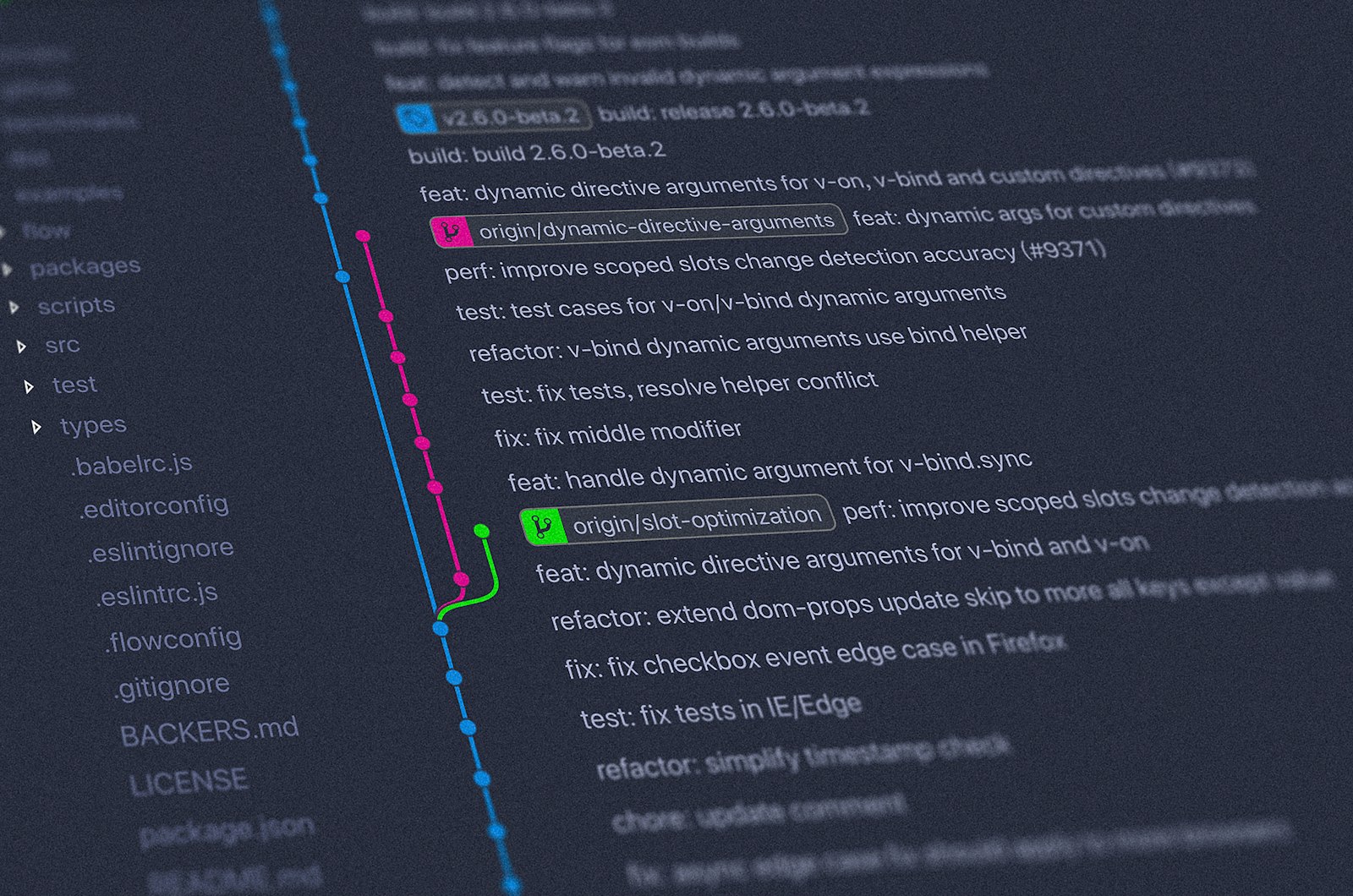
GitLens 19 & The Reimagined Commit Graph: How AI Is Shifting Git from History Viewing to Collaborative Agent Workbenches
In August 2026, GitKraken released GitLens 19.0—the largest structural overhaul in the extension's history across its 40+ million install base. Concurrently, GitKraken published its landmark 2026 State of AI in Engineering report, surveying 554 engineering leaders and developers, which revealed a striking reality: 96.4% of engineering organizations now use AI coding tools in production, and 84% report substantial velocity gains.
However, as autonomous AI coding agents (such as Claude Code, Cursor, Windsurf, and Codex) generate hundreds of parallel branch modifications, software teams have hit a major operational wall: the bottleneck has shifted from generating code to coordinating, reviewing, rebasing, and merging agent-generated worktrees.
GitLens 19 answers this shift by fundamentally transforming the Commit Graph from a passive historical visualization tool into an active, collaborative Development Workbench for Human-AI Teaming.
Here is an architectural breakdown of GitLens 19, how modern Git workbenches track autonomous coding agents, and what this means for repository coordination.
1. The Multi-Agent Coordination Problem in Git
Traditional version control workflows assumed a single human developer working sequentially on a feature branch. In 2026, a single software engineer often operates 3 to 5 concurrent AI coding agents in parallel—each running autonomous terminal sessions across separate git worktrees.
2. Technical Architecture of GitLens 19
GitLens 19 reconstructs the Git developer experience through four foundational capabilities:
A. The Commit Graph as a Real-Time Workbench
Rather than opening separate terminals to check git status across worktrees, the rebuilt Commit Graph features a GPU-accelerated rendering engine with:
- Grouped Columns & Lane Folding: Isolates agent branch branches without visual clutter.
- Diffstat Changes Column: Real-time line addition/deletion metrics updated as agents write code in the background.
- Live Session Badging: Visual status indicators displaying when Claude Code or Cursor is actively generating changes or running tests on a specific branch.
B. "Compose": Turning Raw Agent Output into Intentional Commits
Autonomous agents often dump 400 lines of mixed modifications into a single unorganized commit. GitLens 19 introduces Compose, an AI-assisted staging tool that semantically clusters related changes, separates refactors from business logic, and drafts structured conventional commit messages (feat:, fix:, refactor:).
C. Repository-Aware Semantic Conflict Resolution
Traditional 3-way merge tools rely on simple line-based text matching. GitLens 19 resolves merge conflicts by analyzing the full repository context:
- Inspects
git blamehistory and symbol definitions across the AST. - Streams its reasoning logic in real time, explaining why a specific code path was preserved.
3. Mathematical Modeling: Merge Entropy & Conflict Complexity
When concurrent agents modify overlapping modules in repository , the Merge Entropy () scales non-linearly with dependency coupling:
Where:
- is the probability distribution of file modification frequencies.
- represents the AST coupling matrix between files modified concurrently by Agent and Agent .
By visualizing AST coupling in real time, modern Git workbenches suppress before branches diverge beyond automated resolution thresholds.
4. Benchmark: Traditional Git Tooling vs. AI-Native Workbenches
| Workflow Step | Standard VS Code / Git CLI | GitLens 19 AI Workbench | Efficiency Multiplier |
|---|---|---|---|
| Tracking 3+ Parallel Agent Sessions | Manual cd into multiple worktree paths | Single visual Commit Graph with live session badges | 4.2x Faster Context Switching |
| Commit Organization & Staging | Line-by-line manual git add -p | AI Compose semantic chunking | 75% Time Reduction |
| Complex 3-Way Merge Conflicts | Manual conflict marker editing | Repository-aware AST reasoning with streaming explanation | 82% Faster Conflict Resolution |
| Stacked Pull Requests | Complex manual git rebase -i | 1-Click native stacked PR rebase and layer sync | Seamless Layer Management |
5. Frequently Asked Questions (FAQ)
Does GitLens 19 work inside Cursor and Windsurf?
Yes. GitLens 19 is fully compatible with VS Code, Cursor, Windsurf, Trae, and Kiro, allowing teams using different AI editors to share a unified Git coordination workflow.
Does GitLens send my source code to third-party AI models?
GitLens features granular Per-Feature AI Model Selection. Teams can route AI review and conflict resolution through local Ollama instances, enterprise Azure OpenAI endpoints, or Claude API keys with zero data retention policies.
6. Conclusion
As AI coding agents become ubiquitous teammates across 96%+ of engineering teams, the competitive advantage in software shipping has moved to the coordination layer. GitLens 19 demonstrates that Git is no longer merely a system for recording past commits—it has evolved into the central command center for orchestrating parallel human-agent engineering.
(Cover Image Courtesy: Unsplash / Git Version Control & Distributed Software Systems)
Build Your Next Big Thing With Lobhari
From MVP architecture to scalable AI solutions and mobile platforms, we bring engineering excellence to your product vision.